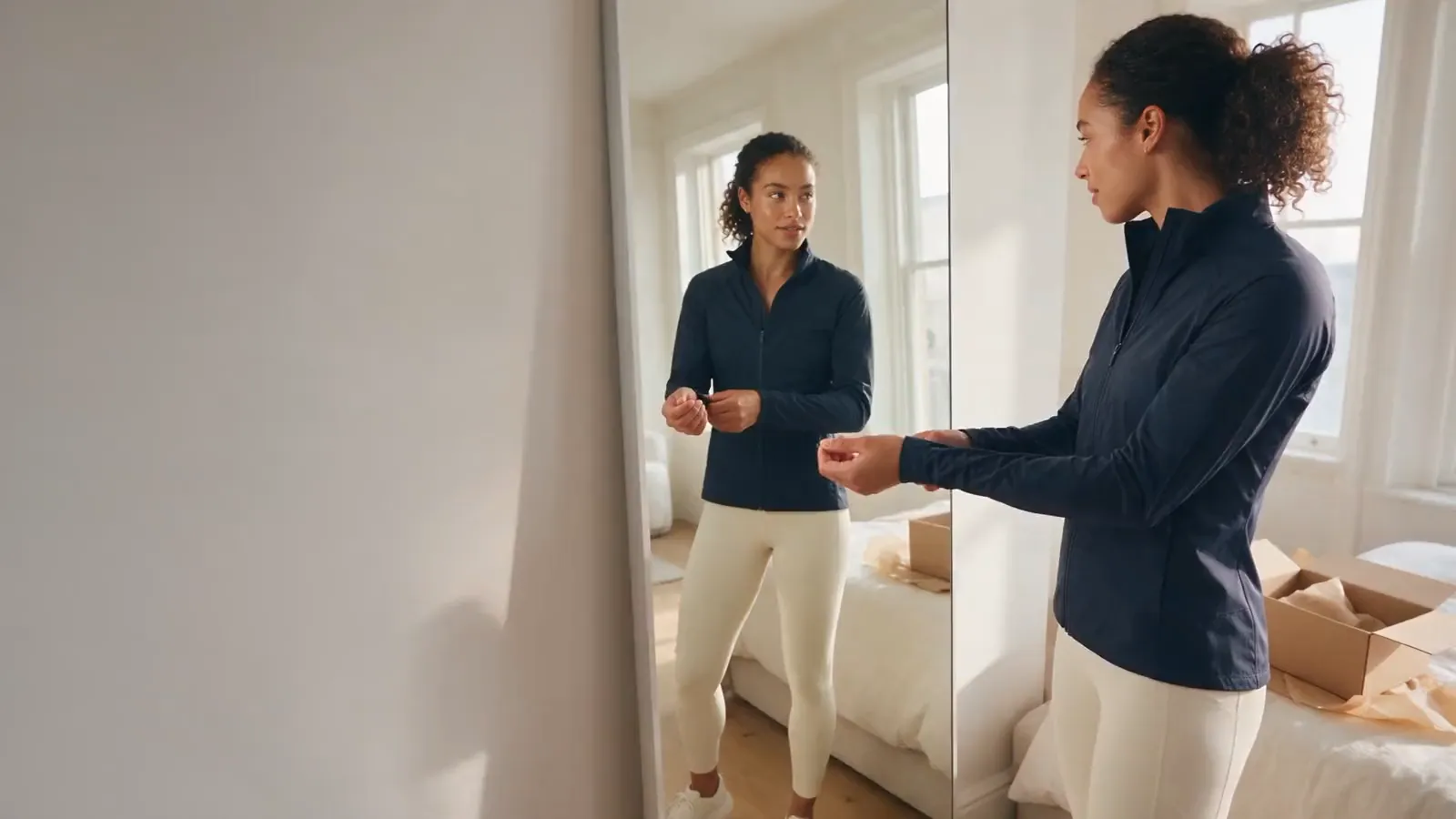
Picturing it
BeforeOn a model
With WeeFizz
On their own photo

Solutions

The customer takes or uploads a photo, then sees the garment rendered on them. Try-on enriches the product page; the size still comes from the WeeFizz recommendation.
BeforeOn a model
On their own photo
Before"Will it suit me?"
Look and colour, judged on themselves
BeforeThe doubt remains
Calculated by WeeFizz, no photo
BeforeWorried about sending it
Used for the rendering, not stored
Your customer is on a garment's product page. She taps “Try it on virtually”, adds a photo of herself and sees the garment worn on her own figure.
 Real journey on mobile, demo store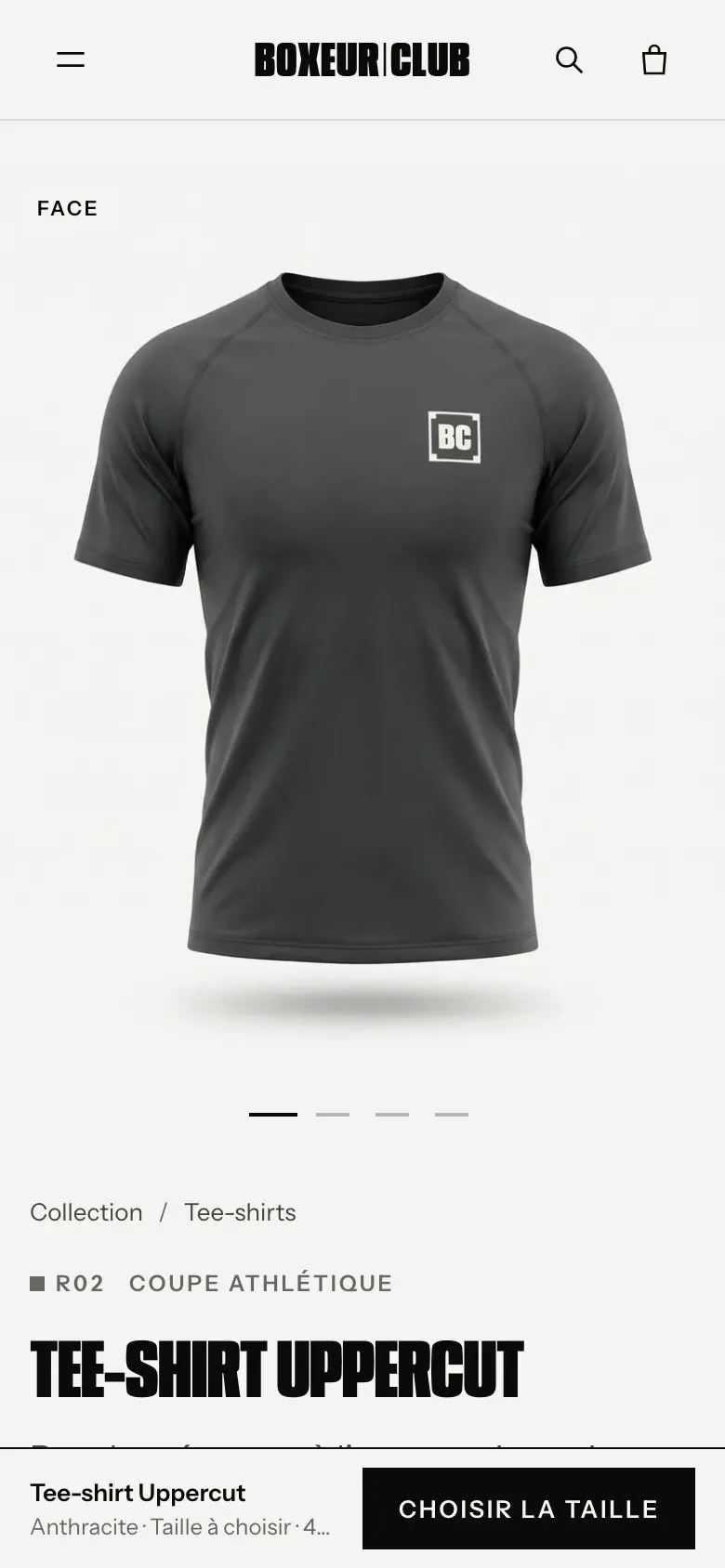
Here, the photo has a real job: it shows how the garment looks. It plays no part in calculating the size.
The customer taps “Try it on virtually”, right next to “Find my size”.
Taken on the spot or chosen from the gallery. The customer checks their photo before anything is sent.
The image of the garment worn arrives within seconds. The size is still calculated by the WeeFizz recommendation.
The photo is sent over a 100% encrypted (SSL) connection and is not stored.
Calculated from answers and the size chart. No photo needed. WeeFizz Fashion
Images of your garments, worn and styled, for your product pages and campaigns. WeeFizz Visual
The garment rendered on the customer's photo, so they can picture it before buying.
In 30 minutes, we show you size recommendation and photo try-on, on your own products.