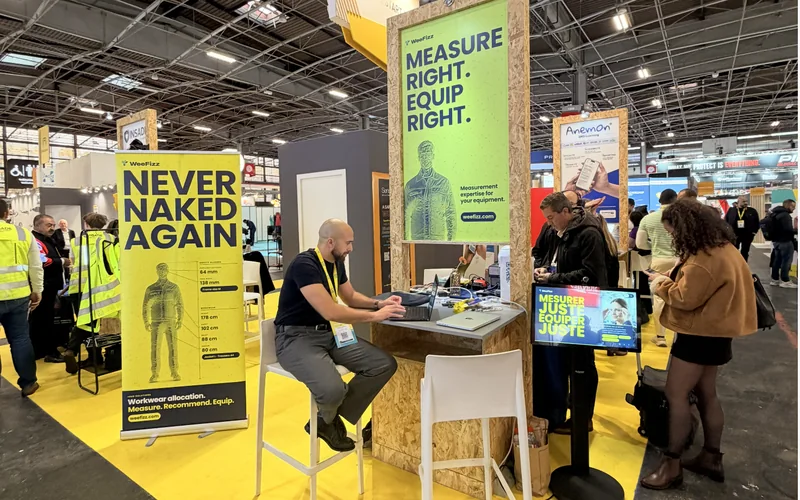
Packing, the step where an allocation gets complicated
In a workwear allocation, individual packing means preparing one parcel per wearer, with their items in their sizes. On paper, it is simple. In practice, it is the step where the errors made upstream are paid for.
Distributors know the usual pattern. Sizes arrive from the customer by email, in a spreadsheet filled in by hand and often incomplete. Someone re-keys those sizes to place the order with the supplier. Then the warehouse rebuilds, wearer by wearer, what has to go into each parcel.
Every re-keying is a chance for an error. One size copied wrongly becomes an exchange, a second shipment and a wearer poorly equipped for several weeks.
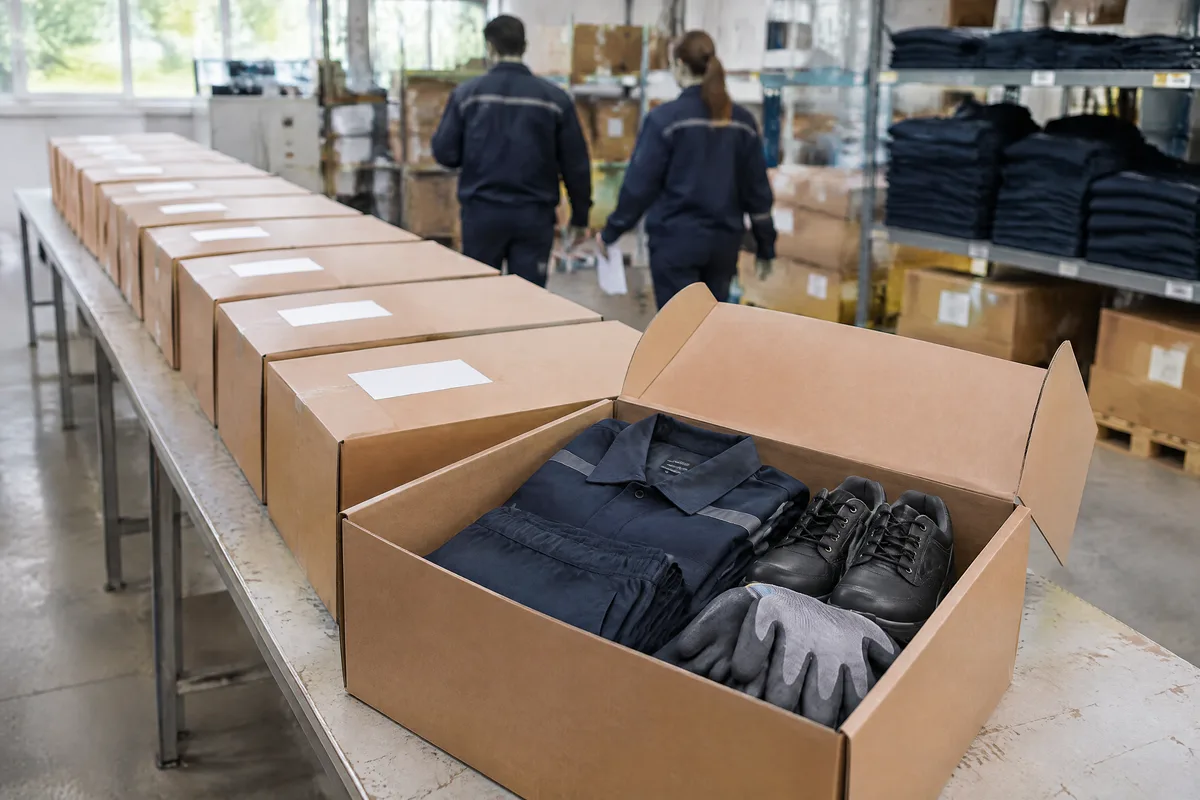
WeeFizz PRO removes this re-keying. Sizes are recommended and collected in the tool, then returned in two directly usable forms: the quantity to order per product and per size, and an individual sheet per wearer that serves as the packing sheet.
How WeeFizz PRO produces the packing sheet
The individual sheet is the last link in a four-step process run from the WeeFizz PRO dashboard. There is nothing to install, for the distributor, its customer or the wearers.
- Create the customer. Company name, logo and contact. The logo is then used to personalise the journey the wearers see.
- Choose the products. Each garment in the allocation is linked to its size chart, already in the catalogue, entered or imported. The size is calculated on that chart, product by product.
- Launch the campaign. A five-step wizard (settings, size charts, wearers, mini-site, distribution) generates a mini-site with the customer's logo. Wearers reach it through a link, by email or with an A4 poster carrying a QR code for teams without a work email address.
- Track and export. The dashboard shows in real time who has answered and who is missing. Once collection is complete, the exports are available in one click.

For the wearer, the journey takes less than two minutes on a phone. They enter their gender, height, weight, age and body shape. The WeeFizz engine estimates 14 body measurements and recommends a size for each garment in the allocation, based on the manufacturer's size chart. The wearer has the final say on the size retained.
If the option is enabled, the customer's manager approves the allocations before the order, from a dedicated approval space. For a seasonal allocation, the campaign is duplicated in one click: nothing has to be configured again from one year to the next. The complete method is detailed in our workwear allocation campaign guide.
What the individual sheet contains, and what it is for
For a given wearer, the individual sheet lists their name, the items in their allocation, and the quantity and size retained for each. Depending on the campaign settings, it also carries the wearer's employee number, useful for matching the parcel with payroll or HR. It exports to Excel or PDF and goes to the warehouse as is: the packer builds the parcel without rebuilding anything.
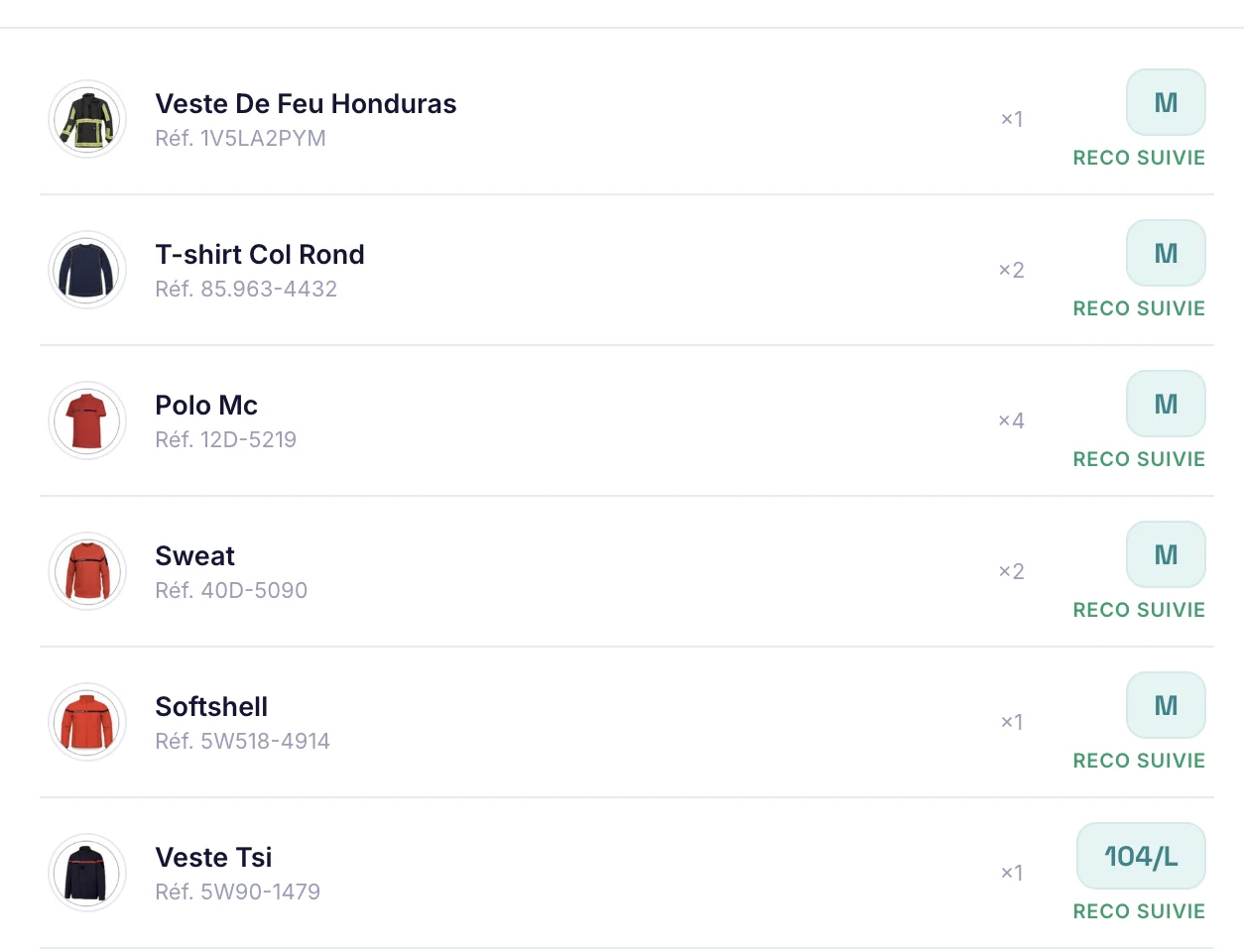
Three exports cover the whole chain, from the supplier order to parcel preparation.
| Export | Content | Use |
|---|---|---|
| Size breakdown per product | Quantities per size for each product reference | Supplier purchase order, with no re-keying |
| Individual sheet (Excel or PDF) | One sheet per wearer: items, quantities and sizes | Packing sheet, one parcel per wearer |
| Data export (CSV) | All the answers of the campaign | Import into the distributor's ERP or ordering tool |
For a multi-site allocation, a single link is enough: each wearer picks their site or establishment from the list. Sizes are then tracked by site, so parcels can be prepared and shipped per delivery point.
WeeFizz PRO is published by WeeFizz, a French size recommendation software company. It does not replace the distributor's ERP or WMS. It is not a stock or transport management tool. Its role is to feed those tools with size data that is right and directly usable.
In the field
At Foussier, 82 stores of 2 to 6 people were equipped without a round of fitting sessions. A single internal communication was enough to launch the collection, and all sizes were gathered in a few days. More than 95% of the recommendations were accepted by the wearers: this figure measures the share of proposed sizes that wearers kept when confirming their allocation.
At ACMADIS, 220 firefighters were equipped in one week, with 16 items per person. At that scale, more than 3,500 item and size lines go from collection to parcel with no re-keying.
For a distributor, the gain shows in three places:
- At ordering: the size breakdown gives the quantities to order from the supplier directly.
- In the warehouse: the individual sheet replaces the spreadsheet rebuilt by hand for each parcel.
- After delivery: sizes calculated on each product's size chart, and confirmed by the wearer, limit exchanges and second shipments.
The technical roll-out of WeeFizz PRO takes one day. The real lead time depends mostly on how quickly wearers respond on the customer side.
See the packing sheet on your own products
The simplest way is to test with your catalogue. We create a demo campaign with your customer's logo, you go through the wearer journey, and you download the individual sheet it produces.
Request a demo →Frequently asked questions
What is individual packing in a workwear allocation?
It is the preparation of one parcel per wearer, containing their items in their sizes. It avoids manual redistribution on site and limits allocation errors.
Does WeeFizz PRO generate a packing sheet per wearer?
Yes. Each campaign offers an “individual sheet” export in Excel or PDF, one per wearer, with their items, quantities and sizes. It is used directly as the packing sheet.
How do you get the quantities to order from the supplier?
The “size breakdown per product” export gives, for each product reference, the number of items per size. It becomes a purchase order with no re-keying.
Is a photo or a scanner needed to get the wearer's size?
No. The wearer answers a few questions on their phone: gender, height, weight, age and body shape. The WeeFizz engine derives 14 body measurements and compares them with the size chart of each product.
Does WeeFizz PRO manage stock and shipments?
No. WeeFizz PRO produces the size data and the packing sheets. Stock, picking and transport stay in the distributor's ERP or WMS, which can import the CSV export.
Can an allocation be managed across several sites?
Yes. A single link lets each wearer choose their site, and sizes are tracked by site and by product.